This is the fourth post in our five-part educational series on RJ45 connectors and keystone jacks.
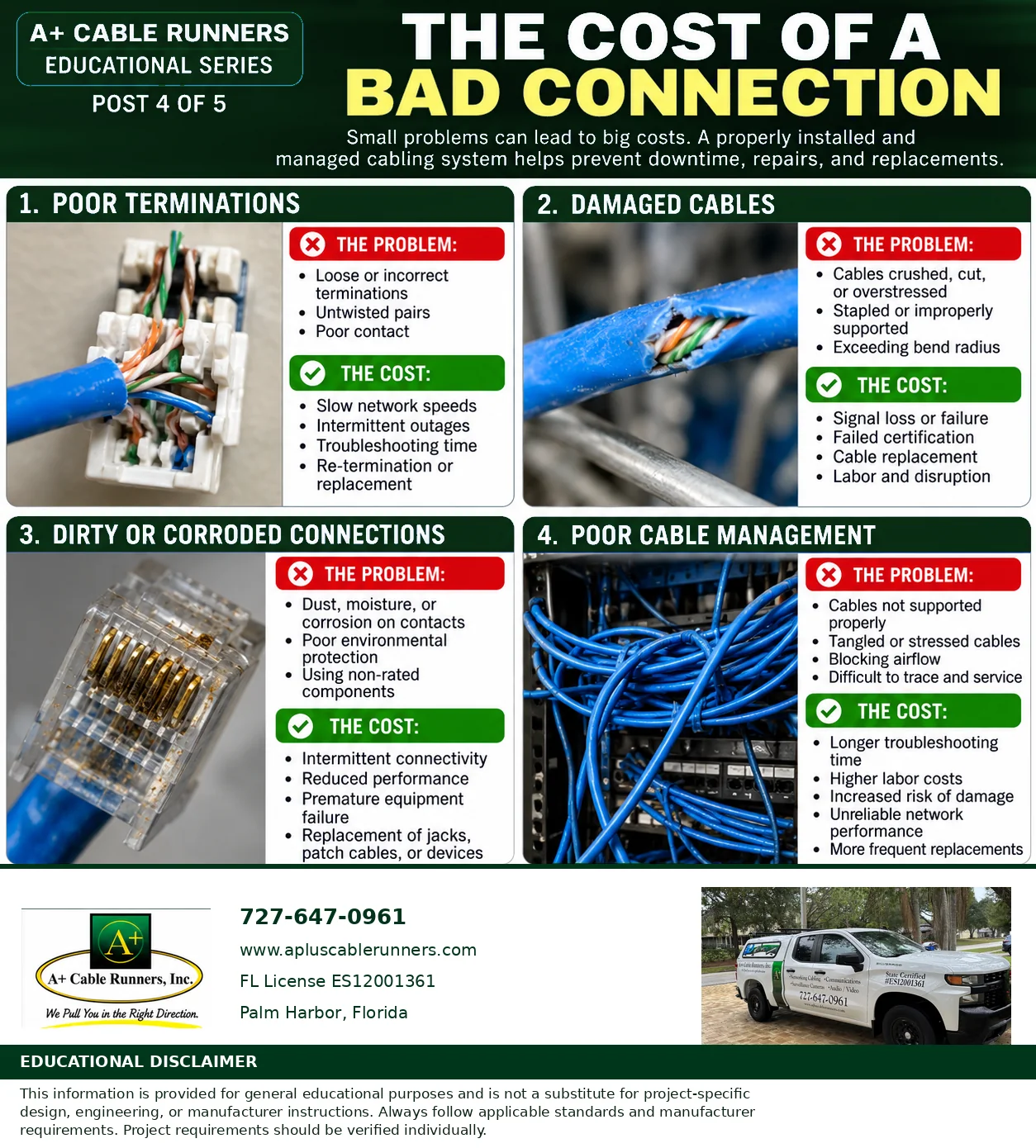
Small problems can lead to big costs. A connection that is a little loose, a cable that was crushed when a ceiling was closed up, a connector exposed to moisture: none of them looks serious on its own. Each one can mean slow speeds, an outage that comes and goes, and a technician on site hunting for the cause. A properly installed and managed cabling system helps prevent the downtime, repairs and replacements. Here are four common problems and what they cost.
1. Poor terminations
The problem: loose or incorrect terminations, untwisted pairs and poor contact where the cable meets the connector or jack.
The cost: slow network speeds, intermittent outages, troubleshooting time, and re-termination or replacement.
2. Damaged cables
The problem: cables that are crushed, cut or overstressed, stapled or improperly supported, or bent tighter than their bend radius allows.
The cost: signal loss or failure, failed certification, cable replacement, and the labor and disruption that come with it. Our post on cable sag, pulling tension and bend radius covers how cable gets damaged during and after installation.
3. Dirty or corroded connections
The problem: dust, moisture or corrosion on the contacts, poor environmental protection, and components not rated for the conditions they are in.
The cost: intermittent connectivity, reduced performance, premature equipment failure, and replacement of jacks, patch cables or devices. Here in Tampa Bay, humidity and coastal air make this worth checking in garages, warehouses, outdoor enclosures and other spaces that are not climate controlled.
4. Poor cable management
The problem: cables that are not supported properly, tangled or stressed cables, cables blocking airflow, and cabling that is difficult to trace and service.
The cost: longer troubleshooting time, higher labor costs, increased risk of damage, unreliable network performance and more frequent replacements. Our post on what a messy network closet is really costing you goes further.
The bottom line
Every one of these problems is cheaper to prevent than to fix. Proper components, careful terminations, supported and organized cable, and testing at the end of the job are what keep a small problem from becoming a big cost. Tomorrow's final post covers the questions to ask when getting a cabling estimate. To see the cabling work we do, visit our computer network cabling page.
Information is provided for general education. It is not a substitute for project-specific design, engineering or manufacturer instructions. Always follow applicable standards and manufacturer requirements. Project requirements should be verified individually.