This is the final post in our five-part Commercial Property Management educational series.
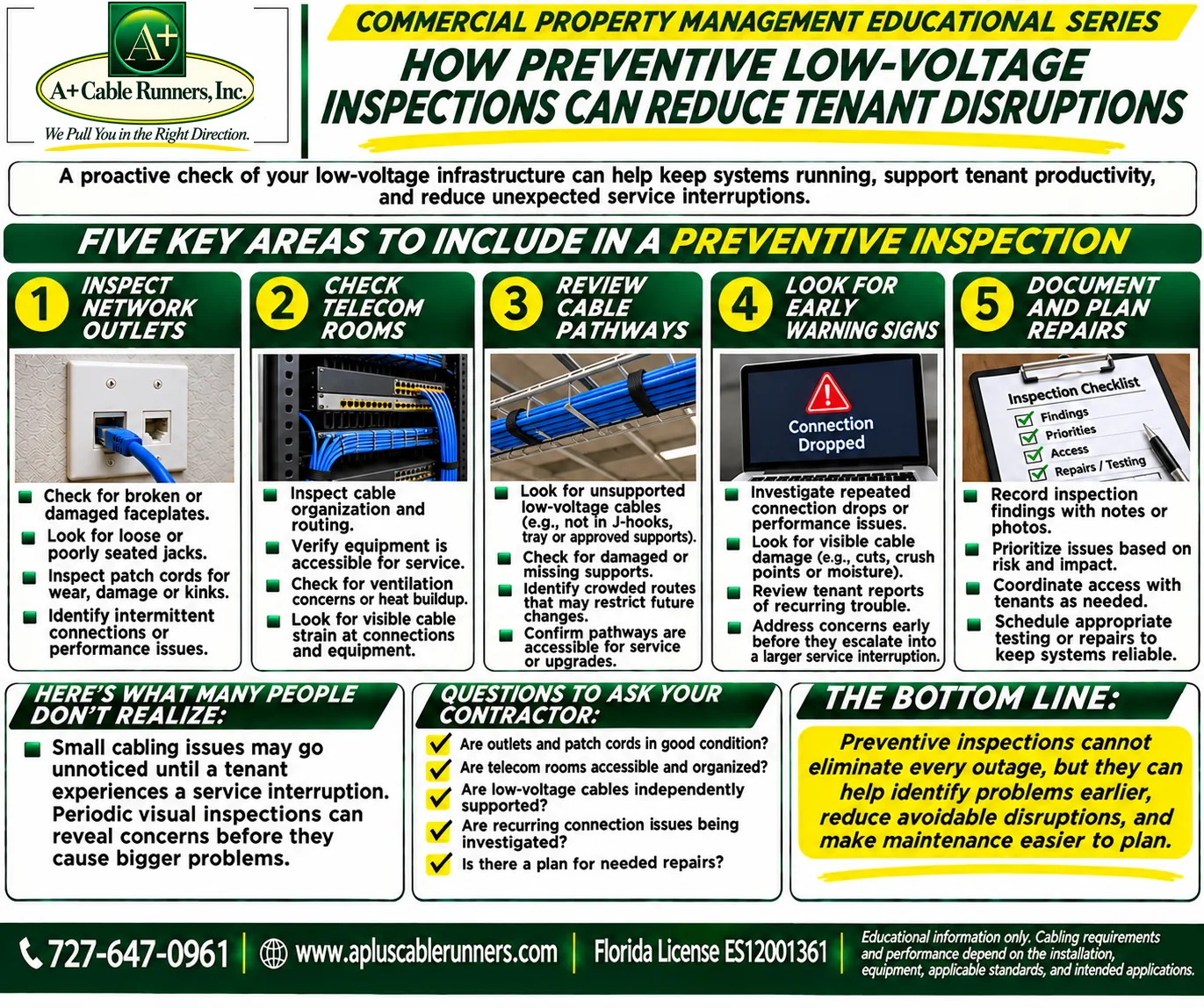
A proactive check of your low-voltage infrastructure can help keep systems running, support tenant productivity and reduce unexpected service interruptions. Here are five key areas to include in a preventive inspection.
1. Inspect network outlets
- Check for broken or damaged faceplates.
- Look for loose or poorly seated jacks.
- Inspect patch cords for wear, damage or kinks.
- Identify intermittent connections or performance issues.
2. Check telecom rooms
- Inspect cable organization and routing.
- Verify equipment is accessible for service.
- Check for ventilation concerns or heat buildup.
- Look for visible cable strain at connections and equipment.
The industry standard for telecommunications spaces, TIA-569, addresses temperature and humidity in these rooms and clearance for service at racks and cabinets, so heat and access are both worth a look. Our post on what a messy network closet is really costing you covers what a cleanup involves.
3. Review cable pathways
- Look for unsupported low-voltage cables, for example cable that isn't in J-hooks, tray or other approved supports.
- Check for damaged or missing supports.
- Identify crowded routes that may restrict future changes.
- Confirm pathways are accessible for service or upgrades.
The electrical code expects communications cable to be supported by the building structure, not by the ceiling grid or its support wires, and expects that cable not pile up in a way that keeps ceiling panels from being removed to reach equipment. Our posts on why ceiling tiles are not cable supports and why cable pathways matter in commercial buildings cover what to look for.
4. Look for early warning signs
- Investigate repeated connection drops or performance issues.
- Look for visible cable damage, such as cuts, crush points or moisture.
- Review tenant reports of recurring trouble.
- Address concerns early, before they escalate into a larger service interruption.
When a problem does turn up, the previous post in the series, on repairing cabling versus replacing it covers how to decide what to do about it.
5. Document and plan repairs
- Record inspection findings with notes or photos.
- Prioritize issues based on risk and impact.
- Coordinate access with tenants as needed.
- Schedule appropriate testing or repairs to keep systems reliable.
Records are easier to keep when the cabling is labeled. TIA-606, the industry standard for administering cabling, covers identifiers for cables, pathways and spaces and keeping a record for each one.
Here's what many people don't realize
Small cabling issues may go unnoticed until a tenant experiences a service interruption. Periodic visual inspections can reveal concerns before they cause bigger problems.
Questions to ask your contractor
- Are outlets and patch cords in good condition?
- Are telecom rooms accessible and organized?
- Are low-voltage cables independently supported?
- Are recurring connection issues being investigated?
- Is there a plan for needed repairs?
Our free Property Manager Low-Voltage Inspection and Tenant Turnover Checklist turns these areas into questions you can work through on a walkthrough, covering suite turnover, telecom rooms, cable support, labeling, fiber, tenant improvements and contractor coordination. After a storm, our post on checking your low-voltage systems after hurricane season adds outdoor cameras, exterior cable runs and grounding.
The bottom line
Preventive inspections cannot eliminate every outage, but they can help identify problems earlier, reduce avoidable disruptions and make maintenance easier to plan.
That wraps up our Commercial Property Management series. The earlier posts covered converting office space for a new tenant, cable pathways, approving a cabling estimate and repair versus replacement. To see the low-voltage work we do, visit our low-voltage services page.
Educational information only. Cabling requirements and performance depend on the installation, equipment, applicable standards and intended application. This is not a substitute for project-specific design or engineering. Always follow applicable codes, and verify project requirements individually.