This is the sixth post in our Commercial Property Management educational series.
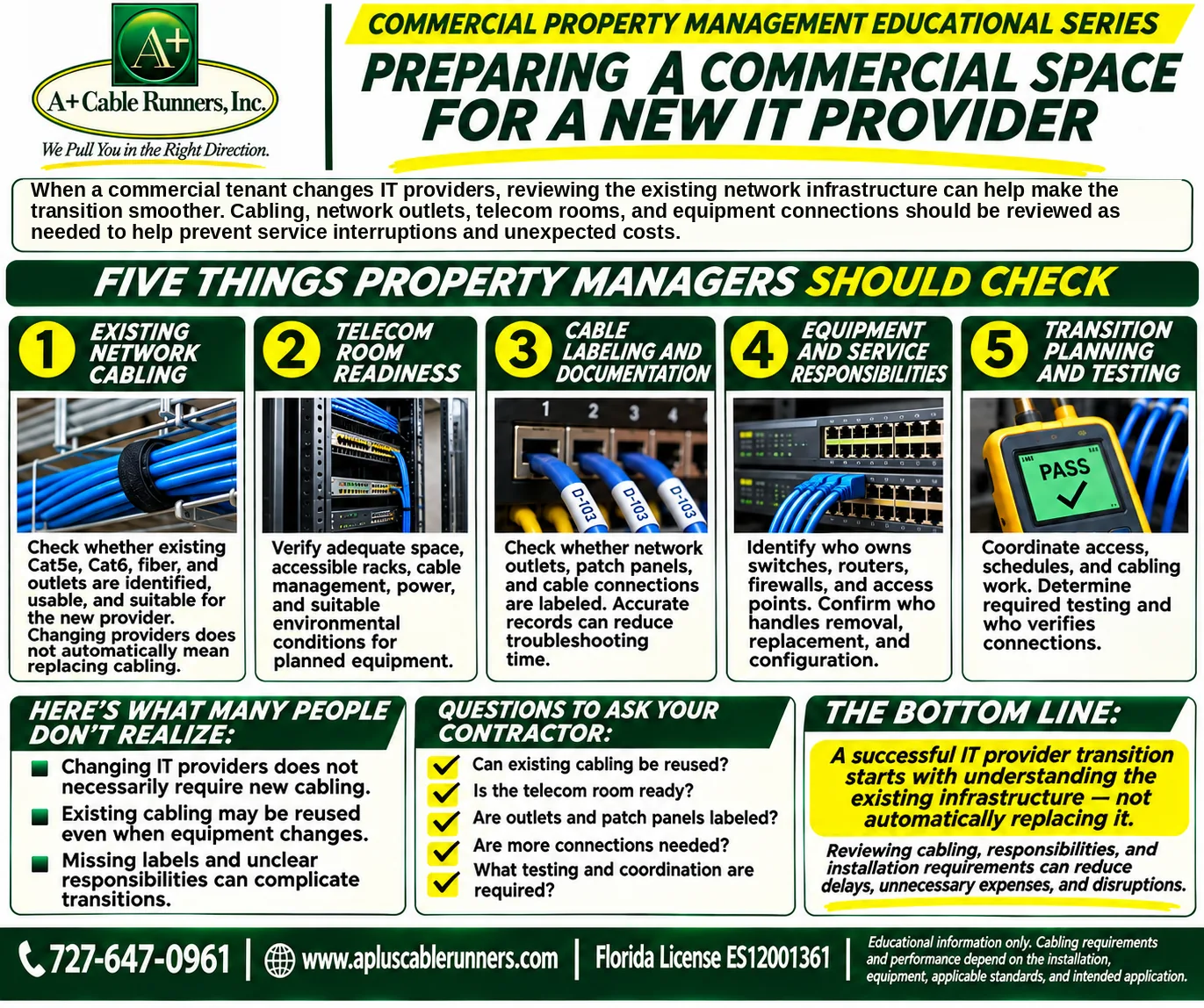
When a commercial tenant changes IT providers, reviewing the existing network infrastructure can help make the transition smoother. Cabling, network outlets, telecom rooms and equipment connections should be reviewed as needed to help prevent service interruptions and unexpected costs. Here are five things property managers should check.
1. Existing network cabling
- Check whether existing Cat5e, Cat6, fiber and outlets are identified, usable and suitable for the new provider.
- Changing providers does not automatically mean replacing cabling.
Testing can answer the suitability question. A basic verification test shows whether a cable is connected correctly. A qualification test goes further and shows whether existing cabling can run a specific application, such as gigabit Ethernet, which helps decide whether it needs upgrading at all. Our post on cable testing versus certification explains the difference.
2. Telecom room readiness
- Verify adequate space, accessible racks, cable management, power and suitable environmental conditions for the planned equipment.
A new provider often brings new switches, firewalls or other equipment. Our post on what a messy network closet is really costing you covers what a cleanup involves before new equipment goes in.
3. Cable labeling and documentation
- Check whether network outlets, patch panels and cable connections are labeled.
- Accurate records can reduce troubleshooting time.
TIA-606, the industry standard for administering cabling, covers assigning identifiers to cabling components and keeping a record for each one. A new provider who can match a wall jack to a patch panel port from the records does not have to trace it by hand.
4. Equipment and service responsibilities
- Identify who owns switches, routers, firewalls and access points.
- Confirm who handles removal, replacement and configuration.
5. Transition planning and testing
- Coordinate access, schedules and cabling work.
- Determine required testing and who verifies connections.
Here's what many people don't realize
- Changing IT providers does not necessarily require new cabling.
- Existing cabling may be reused even when equipment changes.
- Missing labels and unclear responsibilities can complicate transitions.
Questions to ask your contractor
- Can existing cabling be reused?
- Is the telecom room ready?
- Are outlets and patch panels labeled?
- Are more connections needed?
- What testing and coordination are required?
A tenant changing providers is often a tenant rethinking its space. Our post on the network questions to ask before signing a new office lease covers the same ground from the tenant's side.
The bottom line
A successful IT provider transition starts with understanding the existing infrastructure, not automatically replacing it. Reviewing cabling, responsibilities and installation requirements can reduce delays, unnecessary expenses and disruptions.
The next post in the series covers why older buildings may need communications infrastructure upgrades. To see the cabling work we do, visit our computer network cabling page.
Educational information only. Cabling requirements and performance depend on the installation, equipment, applicable standards and intended application. This is not a substitute for project-specific design or engineering. Always follow applicable codes and manufacturer instructions, and verify project requirements individually.